
Frequency separation for a whole folder. One click.
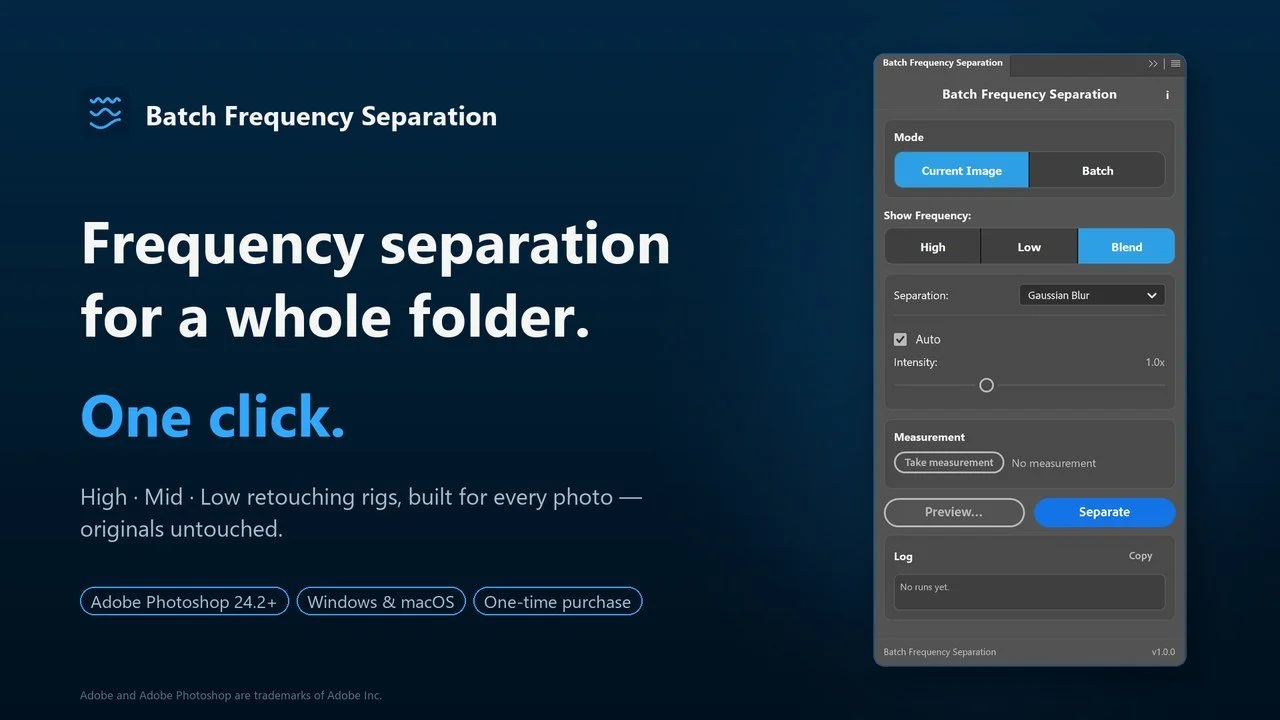
Batch Frequency Separation plugin panel for Adobe Photoshop
Batch Frequency Separation is our Photoshop plugin for retouchers. Point it at a folder and every photo comes out as a layered PSD with the rig already built — High, Mid and Low frequency layers, named and saved. Your original stays untouched at the bottom of the stack.
Shoot. Batch. Start retouching.
Available now for $39.99:
What you get
True 3-band separation, mathematically exact — the blend matches your original until you retouch.
Batch mode — folder in, layered PSDs out, originals never touched.
Live Preview with Split View — compare any band before you commit.
Auto radius that scales to every image, plus an intensity slider and full manual control.
Measure once by dragging across an eye, then repeat that exact look on any photo.
Gaussian, Median or Surface Blur, and Remove Tool friendly — heal directly on a frequency layer.
Requires Adobe Photoshop 24.2 or newer · Windows and macOS · one-time purchase.
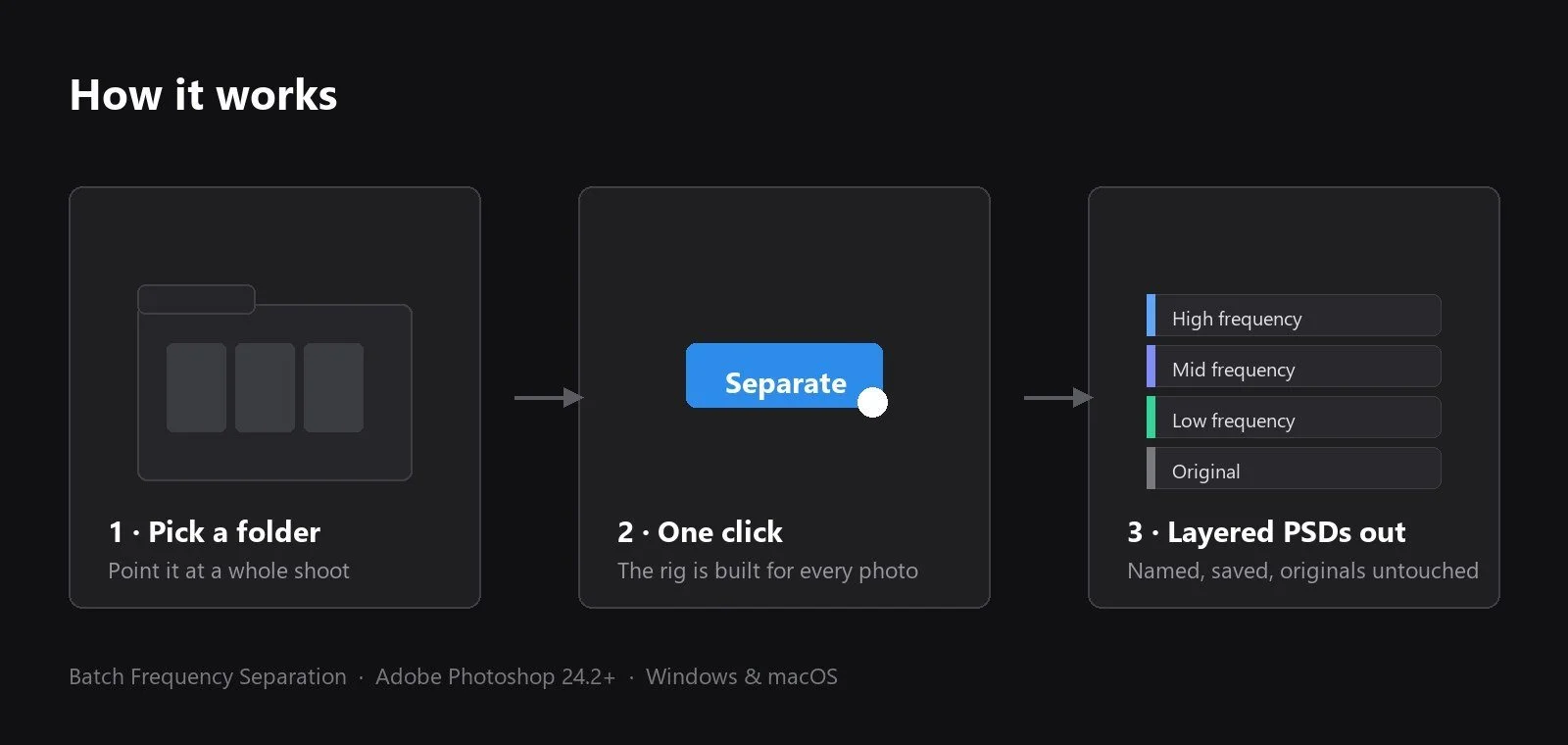
How it works: pick a folder, click once, and every photo is saved as a layered PSD with High, Mid and Low frequency layers
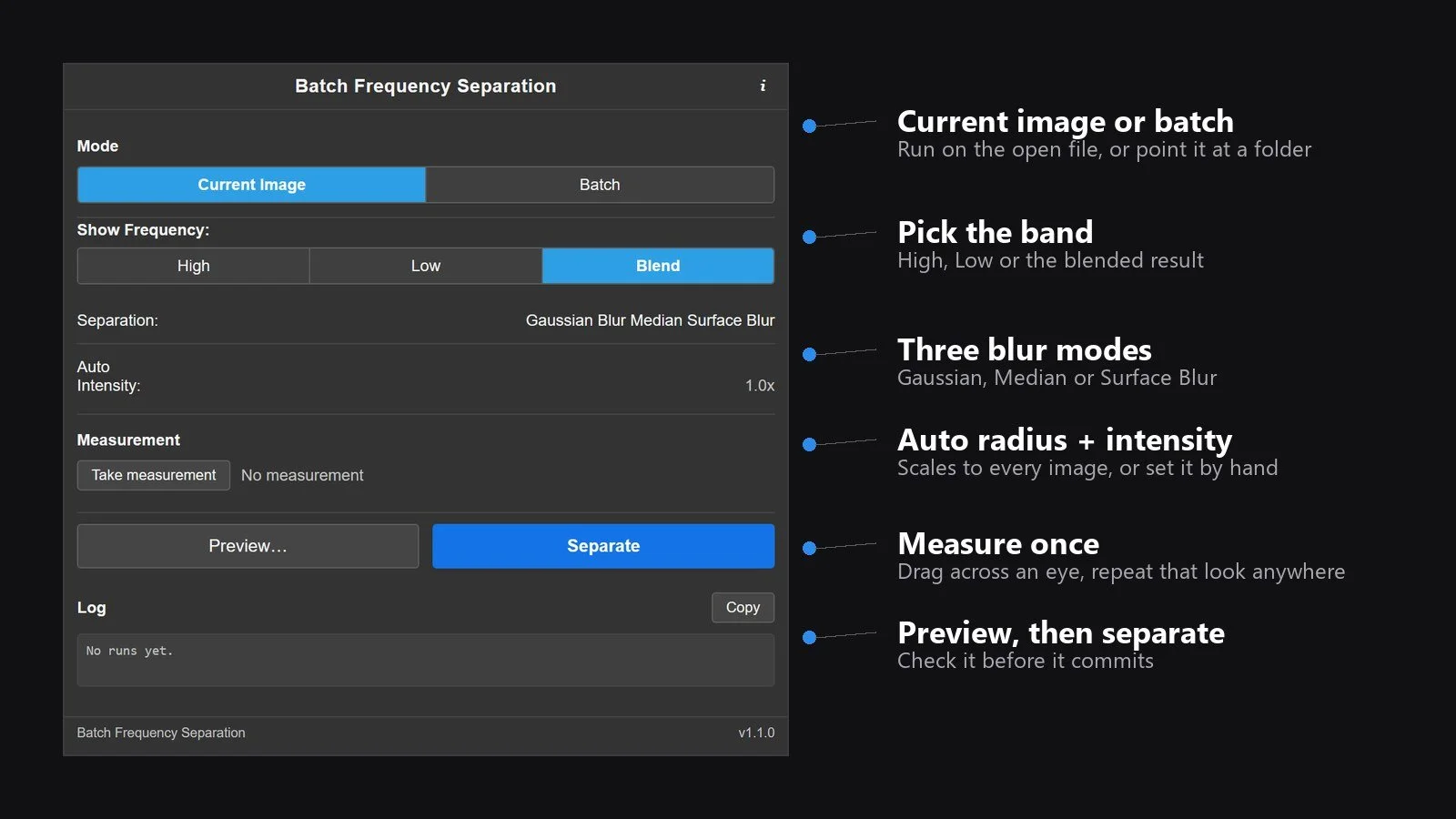
The Batch Frequency Separation panel in Photoshop: batch mode, band preview, blur modes, auto radius and measurement